

Quick answer
Rolling out enterprise mobile devices at scale can be risky. How do I block certain mobile apps on a mobile device?
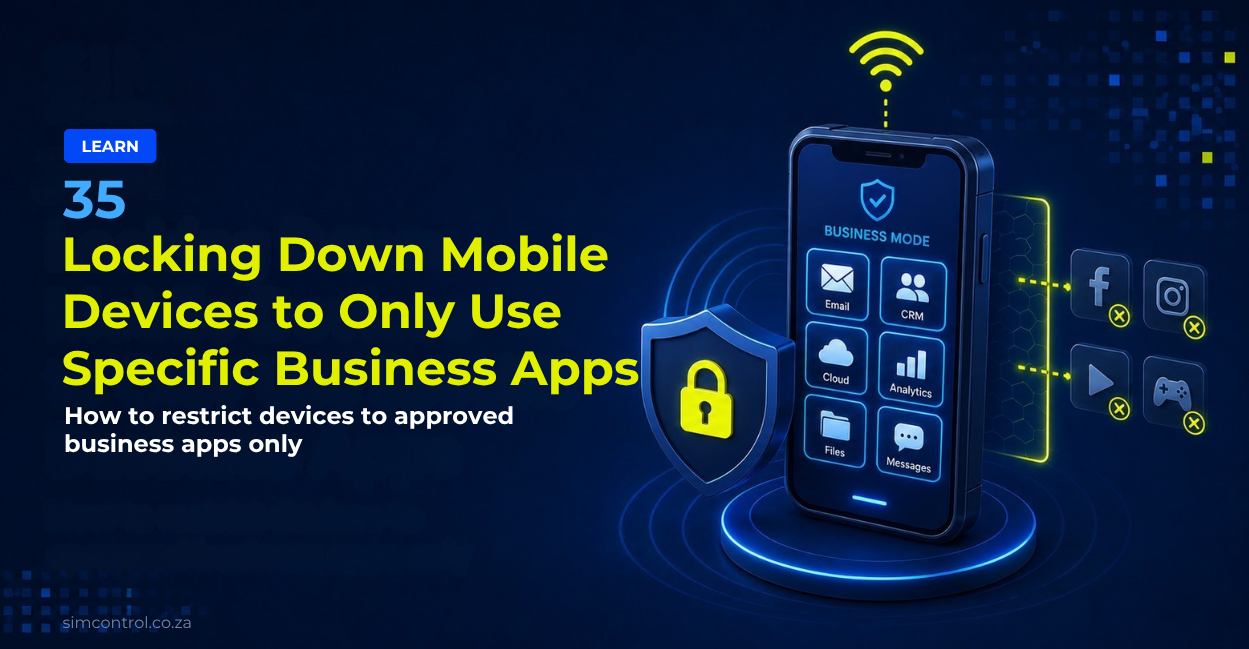
SIMcontrol is often asked by customers how to lock down mobile devices deployed in the field, such as phones, tablets or handheld Android devices, to prevent other apps from being loaded or to enforce certain usage policies, such as blocking social media traffic.
Most customers approach this as a device problem and try to solve it with device management software, such as Mobile Device Management (MDM). That is one level of control.
In our experience, the most effective method is to also apply control one level lower, on the mobile data connection itself.
This is where a Managed Private APN becomes important.
Why mobile device lockdown matters
Many businesses deploy mobile devices into the field for specific operational use-cases.
These may include:
- field worker phones
- tablets
- handheld Android devices
- courier devices
- sales team devices
- payment or POS-related devices
- logistics and delivery devices
- customer service devices
- workforce management devices
The challenge is that once a device is in the field, the business has less control over how it is used.
Without the right controls, devices can be used for non-business activity, such as:
- social media
- streaming
- unauthorised apps
- personal browsing
- high-data traffic
- SIM swapping into another device
This can increase mobile data costs, create security risk and make device management harder to control at scale.
The two layers of control
There are two important ways to lock down mobile devices:
- Control the connection
This is done through a Managed Private APN and SIM-level controls. - Control the device itself
This is done through Enterprise Mobility Management (EMM) or Mobile Device Management (MDM) software.
The two approaches work well together.
A Managed Private APN controls what the device can reach on the mobile data connection.
MDM controls what can be installed, accessed or configured on the device itself.
Control the connection with a Managed Private APN
SIMcontrol SIMs can be placed on a Managed Private APN, where all traffic passes through our firewall before it reaches the internet.
You decide which specific destinations your devices may reach, and everything else is blocked.
Because the control sits in the network rather than on the handset, it applies to every device on your account.
This means:
- no software needs to be installed on the device
- the user cannot remove the network-level rules
- the rules still apply if the SIM is placed into another device
- the same policy can apply across a group of SIMs
- traffic can be monitored and controlled centrally
For field deployments, this gives businesses a practical way to control mobile data use without relying only on the device operating system.
What Managed Private APN controls can enable
1) Firewall policies
Firewall policies allow you to define which destinations your business applications need to reach.
Traffic that falls outside your policy is blocked.
This is useful when you want devices to access only approved business systems, such as:
- business apps
- operational platforms
- payment systems
- dispatch systems
- approved cloud services
- internal systems or APIs
Traffic can also be reported separately as blocked traffic versus allowed traffic, giving your team a clearer view of what is being attempted on the connection.
2) Usage visibility
Usage visibility helps you see which apps and destinations are consuming mobile data.
This makes unexpected usage easier to identify and act on.
For example, if a field device starts using more data than expected, usage visibility can help identify whether the cause is:
- an unauthorised app
- streaming or social media traffic
- a background update
- a device configuration issue
- a SIM being used in the wrong device
- unexpected user behaviour
This is especially important where businesses manage large numbers of mobile devices or SIMs across teams, branches or regions.
3) IMEI Lock
IMEI Lock allows you to tie a SIM to a specific device.
If the SIM is moved into another handset or device, it stops working.
This helps reduce the risk of SIM misuse, SIM theft or a SIM being moved from a business device into a personal phone or router.
IMEI Lock is especially useful for:
- field worker devices
- tablets and handhelds
- managed Android devices
- courier devices
- high-risk SIM estates
- customer-facing deployments
See also: IMEI Lock on Managed Private APN
4) Lock and unlock SIMs
SIMcontrol allows you to lock or unlock SIMs when required.
This means you can suspend connectivity immediately on a lost or stolen device, and restore it just as quickly if the device is recovered.
This is useful when businesses need fast operational control without waiting for manual network processes.
See also: Lock & unlock Managed APN SIMs
5) Data quota notifications
Data quota notifications allow you to set a limit per SIM and be alerted before it is reached.
This helps businesses prevent bill shock and control mobile data spend across field devices.
For example, you can set alerts for:
- unusual data usage
- SIMs approaching quota
- high-usage users
- devices behaving outside their normal pattern
See also: SIM Data Quota Notifications on Managed APN
Locking down the device itself
A Managed Private APN controls what a device may reach on the mobile data connection.
It does not control what is installed on the device.
Where you also need to restrict the device itself, this is best handled with an Enterprise Mobility Management (EMM) or Mobile Device Management (MDM) platform.
For Android devices, this may include Android Enterprise and approved EMM providers.
Device-level controls can help with:
- preventing unauthorised app installs
- enforcing business app usage
- applying device security policies
- restricting settings access
- managing updates
- remotely wiping or resetting devices
- controlling user permissions
This gives businesses a stronger device lockdown layer on top of the mobile connectivity controls.
Managed APN vs MDM: what is the difference?
Managed Private APN controls the connection
A Managed Private APN can control:
- what the device can reach
- which traffic is allowed or blocked
- whether the SIM can work in another device
- whether the SIM is active or suspended
- how much data the SIM can use
- what traffic is visible at network level
MDM controls the device
MDM can control:
- which apps are installed
- which settings users can change
- which device policies are enforced
- whether the device can be wiped, locked or managed remotely
- how the device behaves from an operating system perspective
For the strongest control, businesses should consider using both.
When should you use both Managed APN and MDM?
Use both approaches when:
- devices are used by field workers
- users should only access specific business apps
- social media or streaming traffic must be blocked
- SIMs must not be moved into other devices
- the device is business-critical
- mobile data costs need to be controlled
- you need visibility into allowed and blocked traffic
- devices are deployed at scale
- you need both device-level and network-level governance
This creates a stronger control environment than relying on device management alone.
Common mistakes
- Treating mobile device lockdown as only an MDM problem
- Forgetting to control the mobile data connection itself
- Allowing open internet access when devices only need business apps
- Not using firewall policies for field devices
- Not monitoring blocked versus allowed traffic
- Not locking SIMs to approved devices
- Waiting until month-end billing to find unexpected usage
- Not having a process for lost or stolen devices
FAQ
Can SIMcontrol help lock down mobile devices to only use business apps?
Yes. SIMcontrol can help by applying Managed Private APN controls, firewall policies, usage visibility, SIM locking and data quota notifications. This can help restrict what devices are able to access over the mobile data connection.
Does a Managed Private APN stop users from installing apps?
No. A Managed Private APN controls what the device can reach over the mobile data connection. It does not control what is installed on the device. To control app installation, use an EMM or MDM platform.
Can social media traffic be blocked on mobile data?
Yes, traffic can be restricted through firewall policies on a Managed Private APN. Businesses can allow only approved destinations and block traffic that falls outside the policy.
What is the difference between Managed APN and MDM?
Managed APN controls the mobile data connection. MDM controls the device itself. They solve different parts of the same problem and work best together.
Can a SIM still be controlled if it is moved into another device?
Yes, Managed Private APN rules still apply to the SIM. In addition, IMEI Lock can be used to tie a SIM to a specific device so that it stops working if moved into another handset.
Can I see what traffic was blocked?
Yes. Traffic can be reported separately as blocked traffic versus allowed traffic, giving your business better visibility into what devices are trying to access.
Can I suspend a SIM if a device is lost or stolen?
Yes. SIMcontrol can lock or unlock SIMs, allowing you to suspend connectivity immediately on a lost or stolen device and restore it when needed.
Related reading
- /learn/private-apn-south-africa/
- /learn/firewalling-on-mobile-sim-cards/
- /learn/blocking-traffic-on-mobile-data/
- /learn/how-to-stop-out-of-bundle-data-use/
- /learn/static-sim-ips-secure-apn-connectivity/
- /learn/sim-management-platform-south-africa/
Speak to SIMcontrol about IoT SIMs, Private APN, pooled data, and SIM management for your business devices.
Request a call back today